

Open Graph tags are HTML meta properties that turn any web page into a rich, clickable object when shared on social platforms. The Open Graph protocol requires four properties: og:title, og:type, og:image, and og:url, all placed inside your page's <head>. Because platforms cache previews aggressively, you'll also need a validation tool to force a re-scrape after any change.
TL;DR:
- Keep
og:urlconsistent with your canonical URL to prevent sharing behavior discrepancies across platforms.- Use a 1200×630 pixel image with a 1.91:1 aspect ratio and declare its dimensions for optimal rendering and faster preview placeholders.
- Inject all Open Graph meta tags inside the
<head>section on the server side to avoid common errors caused by duplicates, placement, or unclosed tags.- Always force a re-scrape after updating your tags by using platform-specific debugging tools to refresh cached previews.
- Regularly run validation tools to detect duplicate, conflicting, or missing meta tags, reducing broken previews before content goes live.
Table of Contents
- What Are the Required Open Graph Meta Tags?
- Which Optional Open Graph Tags Actually Move the Needle?
- What's the Best Open Graph Image Size for 2026?
- Where Should Open Graph Tags Go, and What Breaks Them?
- How Do You Validate and Debug Open Graph Tags?
- How Pingfloat's Tools Support an Open Graph Workflow
- What I've Learned Fixing Broken Previews at Scale
- Check Your Preview Before You Publish, Not After
- Where to Read the Original Specs
- Sources
What Are the Required Open Graph Meta Tags?
Every page you want shared correctly needs four properties, and skipping any one of them leaves platforms to guess, which usually produces a broken or generic preview. og:title sets the headline shown in the card. og:type tells the platform what kind of object the page represents, most commonly website or article, though video.movie, book, and profile exist for more specific content. og:image supplies the preview image URL. og:url declares the canonical address for the shared content, which matters because platforms consolidate likes and shares around that exact URL.
Here's a minimal example for a blog post:
<head>
  <meta property="og:title" content="How to Fix a Broken Social Preview" />
  <meta property="og:type" content="article" />
  <meta property="og:image" content="https://example.com/images/og-fix-preview.jpg" />
  <meta property="og:url" content="https://example.com/blog/fix-broken-preview" />
</head>
- Keep
og:urlidentical to your canonical tag; a mismatch confuses which page gets credit for shares. - Use unique
og:titleandog:imagevalues per page. Copying one template across an entire site defeats the purpose. - Match
og:typeto the actual content. A product page tagged asarticlecan render oddly in platforms that parse type-specific fields.
Pro Tip: If your canonical URL uses https://www. but your og:url points to the bare domain, some platforms will treat them as separate pages and split your share count in half.
Which Optional Open Graph Tags Actually Move the Needle?
The four required tags get your page recognized. A handful of optional ones make it click-worthy. og:description gives readers the context line under the headline, og:site_name labels the source (useful when your domain name doesn't match your brand), and og:locale tells platforms which language and region variant they're rendering, defaulting to en_US if omitted.
The image tag deserves more attention than most implementers give it. Beyond the flat og:image URL, the protocol supports structured subproperties, as documented in the archived Open Graph protocol reference:
og:image:secure_url— an HTTPS version of the image, required on secure pages.og:image:type— the MIME type (image/jpeg,image/png), which speeds up parsing.og:image:widthandog:image:height— declared dimensions that let platforms render a preview before fully downloading the file.og:image:alt— a text description that improves accessibility and gets surfaced by some platforms.
You can also declare multiple images by repeating the og:image tag. Most platforms take the first one listed, so put your best image first rather than relying on the platform to pick intelligently. This array behavior also applies to video objects, where namespaces borrowed from earlier standards like RDFa determine which additional properties are valid for that content type.
What's the Best Open Graph Image Size for 2026?
1200×630 pixels is the size to target if you want one image that works everywhere. That 1.91:1 ratio is what most platforms expect, and it's the figure recommended in the per-platform image sizing cheat sheet for balancing fidelity against compatibility.
Statistic to know: file-size limits vary sharply by platform, and messaging apps in particular enforce tighter caps than social feeds, according to the same cheat sheet. An image that renders fine in a browser-based feed can silently fail to load in a chat app preview because it exceeds that app's fetch limit.
A few practical fixes prevent most preview failures:
- Keep logos, text, and faces inside a centered safe zone. Some platforms crop to a square or a narrower ratio, and anything near the edges gets cut.
- Always declare
og:image:widthandog:image:height. Platforms that support this can render a placeholder immediately instead of waiting on the full image fetch. - Test in messaging apps separately from social feeds. Discord, for instance, reads embed data differently and can favor the Twitter Card large-image tag over a standard
og:imageif both exist. - Compress the image before publishing. A 1200×630 file at needlessly high quality can push past a platform's cap and get silently rejected.
Where Should Open Graph Tags Go, and What Breaks Them?
Open Graph tags belong inside the <head>, before the closing </head> tag, and nowhere else in the document. That sounds obvious until you're working with a single-page application, where meta tags often get injected client-side after the initial page load. Crawlers for most social platforms don't execute JavaScript the way a browser does, so a tag added by a React or Vue component after render is frequently invisible to them. Server-side rendering or prerendering your meta tags is the reliable fix for SPAs.
Beyond placement, four HTML mistakes account for most broken previews:
- Duplicate
<head>or<html>tags. Some page builders and CMS plugins inject a second<head>block, and parsers use whichever comes first, which may not be the one you edited. - Meta tags placed inside
<body>. They get ignored by spec-compliant parsers entirely. - Unclosed tags earlier in the document. A stray unclosed
<div>or<script>can cause a parser to misjudge where the head ends. - Conflicting canonical tags. If your canonical URL disagrees with
og:url, expect inconsistent behavior across platforms.
Pro Tip: When duplicate meta tags exist, most parsers use the first occurrence and silently ignore the rest, so the fix isn't always adding a tag. Sometimes it's deleting the one you forgot was already there.
How Do You Validate and Debug Open Graph Tags?
Social platforms cache preview data the moment a URL is first shared, and that cache doesn't refresh just because you updated your meta tags. You need to force a re-scrape, and Meta's sharing documentation for webmasters confirms this is standard behavior across its debugging tools, not a bug.
A reliable verification sequence looks like this:
- Fetch the raw HTML (not the rendered DOM) to confirm your OG tags actually exist in the response.
- Confirm each required property is present and populated, not left as an empty placeholder.
- Run a platform debugger to check for parse errors, HTTP status issues, and whether the image fetch succeeded.
- Trigger a re-scrape, then repost or re-share the link to confirm the cache updated.
Debuggers report more than pass or fail. They'll flag a 404 on the image URL, a redirect chain that timed out, or a title that got truncated, which matters because those failure modes look identical to a missing tag if you're just staring at the broken preview itself.
How Pingfloat's Tools Support an Open Graph Workflow
Pingfloat's Open Graph Checker runs the exact validation sequence above on any live URL: it parses your tags, flags errors, and shows a preview close to what platforms will render. Pair it with the HTML Validator to catch the duplicate-head and unclosed-tag issues that silently break OG parsing, and the Response Headers Inspector to confirm your image URL isn't returning a redirect or the wrong content type.

A typical fix cycle: check the URL, fix flagged HTML issues, resize the image with the Image Resizer to 1200×630, then recheck to confirm the preview renders clean.
Pro Tip: Run the checker before AND after a CMS migration. Theme and plugin changes are a common, quiet source of duplicate meta tags.
What I've Learned Fixing Broken Previews at Scale
Two patterns show up constantly. First, most "broken" previews aren't missing tags at all. They're duplicate or conflicting ones, where the wrong version wins by accident of placement. Second, dynamic OG image generation earns its complexity on high-volume content like blogs or listings, but for a handful of key pages, a handcrafted image beats an automated template every time. One more thing that gets skipped constantly: set og:image:alt. It costs one line and helps real people, not just crawlers.
— Andreas
Check Your Preview Before You Publish, Not After
There are other ways to catch a broken social preview: manually inspecting page source, waiting for a platform's own debugger, or just posting a link and hoping. All of them cost you time you don't have when a launch is minutes away. Pingfloat's Open Graph Checker gives you a live parse, error flags, and a rendered preview in one pass, so you catch a missing image or a duplicate meta tag before a reader ever sees a broken card.

It fits directly into the workflow this article just walked through: check the URL, fix what the HTML Validator flags, resize the image if it's off the 1200×630 mark, then recheck. If you're troubleshooting a redirect or a caching issue instead, the Response Headers Inspector shows exactly what a platform's crawler sees when it fetches your page. Run your homepage or your most-shared post through the checker now and see what it finds.
Where to Read the Original Specs
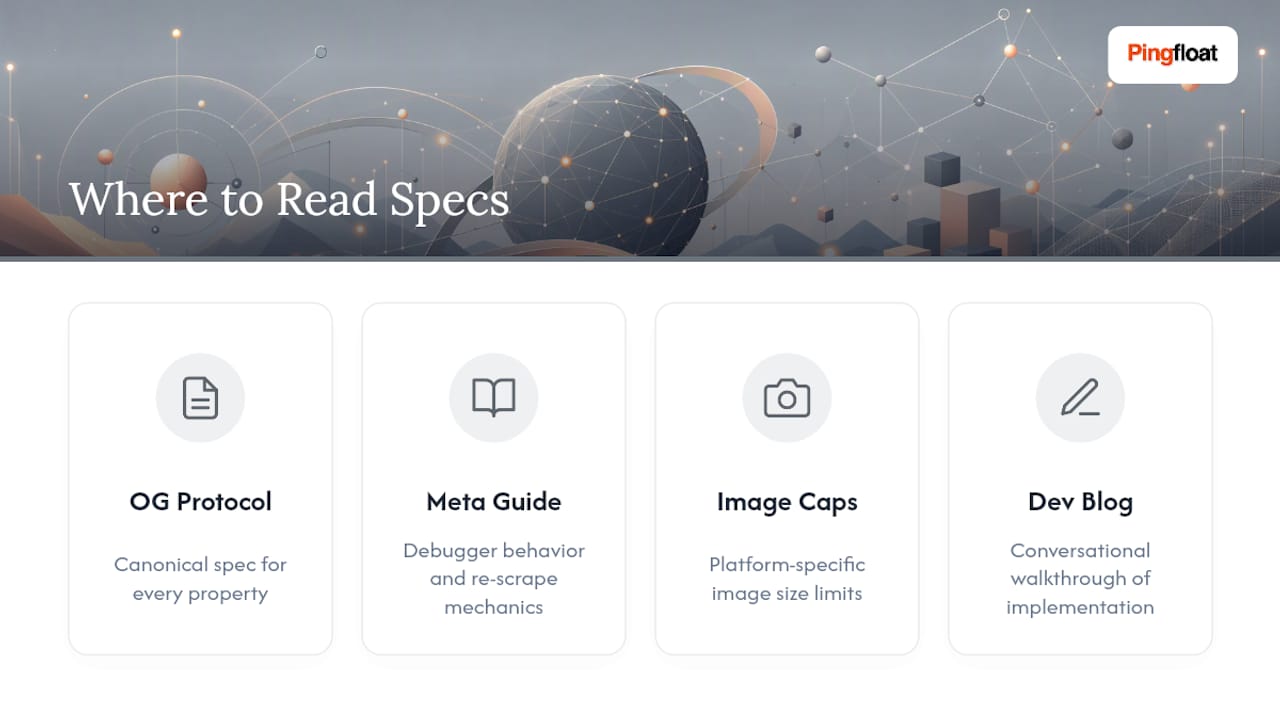
For anything beyond what's covered here, go to the source. The Open Graph protocol is the canonical spec for every property discussed above. Meta's sharing guide for webmasters covers debugger behavior and re-scrape mechanics in more depth. The image sizing cheat sheet is worth bookmarking for platform-specific caps. For a more conversational walkthrough of implementation, this developer blog covers the basics well.
Sources
- The Open Graph protocol
- A Guide to Sharing for Webmasters - Meta for Developers
- Env
- Open Graph protocol — index.html (GitHub archive)