

A good password policy today is short: a minimum length of at least 12 to 15 characters, a check against known-breached passwords, multifactor authentication on important accounts, lockout after repeated failures, and a password change only when there is a reason. The old rules (forced symbols, a new password every 90 days) are the part to drop. Below are example policies at three strictness levels, a template you can paste, and the reasoning behind each line, so you can defend it to an auditor or a skeptical colleague. If you need strong values to test a policy with, our free random password generator runs in the browser with no installation or account.
TL;DR
- Set a minimum length (12 to 15 characters is the common range) and allow long passphrases up to at least 64 characters. Drop mandatory symbol-and-number rules.
- Screen new passwords against lists of common and breached values, and block them.
- Do not rotate on a calendar. Require a change after a breach, signs of unauthorized access or an employee leaving.
- Add MFA for admin, finance and sensitive-data accounts, plus lockout or throttling after a handful of failed logins.
- Check your own regulatory scope first: PCI DSS-covered systems may still carry their own rotation or length rules.
Table of Contents
- What a password policy actually covers
- Three password policy examples by strictness
- Length: the one number that matters most
- Composition rules: drop them
- Password expiration policy: when to require a change
- Lockout, throttling and MFA
- Passphrase vs password
- What to look for in a password generator
- A password policy template you can paste
- Where Pingfloat fits in your security routine
- Our view: write less policy, enforce more of it
- FAQ
- Sources
What a password policy actually covers
A password policy is a written set of rules for how passwords are created, used, stored and replaced. France's data protection authority frames it in four areas: creation, authentication, retention and renewal, each tied to a recurring threat such as guessing, phishing or theft of a stored database.
In practice that gives you six blocks:
- Creation rules: length, allowed characters, blocklist checks.
- Authentication rules: MFA, lockout, throttling.
- Storage rules: salted, slow hashing on the server side.
- Handling rules: no sharing by phone, email or chat; use of a password manager.
- Renewal rules: when a change is required.
- Enforcement: who owns the policy, what happens on violation.
The example policies that rank for this topic, such as the university and municipal PDFs, mostly stop at blocks 1, 4 and 6. A policy for developers and IT teams also needs 2, 3 and 5, because those are where real incidents happen.
Three password policy examples by strictness
Pick the column that matches your risk, then adjust. The length figures come from published guidance, linked in the sections that follow.
| Rule | Baseline (small team, low risk) | Standard (most companies) | High assurance (admins, regulated data) |
|---|---|---|---|
| Minimum length | 12 characters | 15 characters | 14 to 15 characters for privileged accounts, ideally a 4+ word passphrase |
| Maximum length allowed | 64 characters | 64 or more | 64 or more |
| Composition rules | None | None | None |
| Blocklist check | Common passwords | Common and breached passwords | Common, breached and context words (company name, username) |
| MFA | Email, admin and finance | All staff on core systems | All accounts, phishing-resistant keys for admins |
| Lockout | 5 to 8 failed attempts, then delay | 5 failures, 15 minute lockout | 5 failures, alerting to security staff |
| Scheduled change | None | None | None, unless a regulation requires it |
| Forced change | After breach or suspicion | After breach, suspicion or departure | Same, plus on role change |
| Password manager | Recommended | Required for staff | Required, with shared vault controls |
The numbers are not arbitrary. The OWASP Authentication Cheat Sheet treats passwords shorter than 8 characters as weak when MFA is present, and shorter than 15 as weak without it. South Australia's government guideline suggests considering 12 characters for standard users and 14 for privileged accounts, with passphrases of four or more random words. That is why the table scales length with privilege.
Length: the one number that matters most
The current US federal guidance, NIST SP 800-63B Revision 4, sets an 8-character floor, recommends 15, and requires systems to accept at least 64 characters, according to a summary of the 2024 revision. The reasoning is simple: a long password with no composition constraints gives an attacker more combinations to cover than a short one that merely satisfies a complexity rule.

Example policy line: "Passwords must be at least 15 characters. Systems must accept passwords of up to 64 characters or more, including spaces and Unicode characters."
Where it goes wrong: a login form that silently truncates at 16 or 20 characters, or rejects spaces, undoes the policy. If you build the system, test it. The same OWASP sheet says to allow all characters, including Unicode and whitespace. For the math behind why length wins, see our explainer on password entropy and why length wins.
Composition rules: drop them
A sample policy that says "one uppercase, one number, one symbol" produces Summer2026!, which is exactly what attackers try first. Both NIST and OWASP now advise against imposing composition rules. Replace them with a blocklist.
Example policy line: "New passwords are checked against a list of common and previously breached passwords. A match is rejected with a clear message."
OWASP's cheat sheet recommends blocking common and breached passwords using services or lists such as Pwned Passwords or SecLists, and using the zxcvbn-ts library for a strength meter. ITU-T X.1283, an international recommendation from 2024, likewise says to check new passwords against a list of common, expected or compromised values.
Also drop password hints and security questions. The answers to "first pet" or "mother's maiden name" are often public or guessable, and a hint is a free clue. If you are redesigning recovery flows, our guide to app security basics for developers covers alternatives such as password managers and one-time recovery codes.
Password expiration policy: when to require a change
This is the line most people search for, and the one most old templates get wrong. The CIS Password Policy Guide notes that excessive expiration pushes users toward predictable, related passwords, such as incrementing a number. Privacy Guides advises against changing remembered passwords too often unless a compromise is suspected. NIST Revision 4 goes further: it prohibits periodic rotation except after a breach, per the summary linked above.
Example policy line: "Passwords do not expire on a schedule. A password change is required when: (a) it appears in a known breach, (b) there are signs of unauthorized access, (c) the account holder leaves or changes role, or (d) the authentication method changes."
Two caveats for the policy owner:
- Regulated systems. Some frameworks still carry their own numbers. A policy covering PCI DSS systems may need to state a 12-character minimum and a 90-day rotation unless the compensating approach is in place. Check your assessor's reading before you drop a schedule.
- Personal accounts without MFA. Privacy Guides says that if your threat model calls for it, you can review important accounts, especially those without MFA, every couple of months. That is a personal habit, not an organization-wide rule.
If your auditors want a middle path, the South Australian guidance lists a change after six months without one as a control to consider, alongside forced changes at first logon and after a breach. Treat that as an option for high-assurance accounts, not a default.
Lockout, throttling and MFA
Length protects against guessing offline. Lockout and MFA protect the live login page.
The CIS guide recommends a temporary lockout of 15 minutes or more after five consecutive failed attempts, or doubling the delay between retries and locking the account permanently after 12. It also suggests suspending accounts after 45 days without a valid login. ITU-T X.1283 adds that you should log login attempts and apply a locking policy after a few incorrect attempts.
Example policy lines:
- "After five consecutive failed sign-ins, the account is locked for 15 minutes. Repeated lockouts alert the security contact."
- "MFA is required for administrator, finance and sensitive-data accounts. Authenticator apps or hardware keys are preferred over SMS codes."
One pitfall: hard lockout lets an attacker lock your staff out on purpose. Increasing delays, as in the CIS option, limit that. For the strongest tier, hardware keys such as FIDO2/WebAuthn are ranked as phishing-resistant by NIST and CISA standards, according to a 2026 compliance guide.
On the server side, the policy should say passwords are stored salted and hashed, never encrypted reversibly. ITU-T X.1283 recommends salting and hashing stored passwords. Which algorithm to pick is a developer decision, covered in our guide to hashing algorithms to trust.
Passphrase vs password
A passphrase is a string of random words. A password is usually a short string of mixed characters. For a human who has to type it, the passphrase wins on length per effort.
A Diceware passphrase of six random words from the 7,776-word EFF list gives roughly 77 bits of entropy, comparable to a 13-character fully random alphanumeric password, and is easier to type. OWASP adds that longer passphrases work because they enlarge what an attacker's wordlist must cover, and that estimating entropy for user-chosen passwords is hard, so length and blocklist checks beat entropy math.
The word "random" carries the weight. A quote, a song line or a sentence the user picked is not random. Several of the ranking sample policies suggest turning a sentence into first letters, which gives a short, patterned result. Prefer these two options in your policy:
- Passphrase: four or more words chosen by a generator, at least 15 characters. Use it for the master password of a password manager, a laptop login or anything typed by hand.
- Random password: 16 or more characters from a generator, stored in a password manager. Use it for everything else.
Example policy line: "Where a password must be memorized, use a passphrase of four or more randomly chosen words. For all other accounts, use a unique, randomly generated password stored in the company password manager."
What to look for in a password generator
A generator is only useful if it produces values a person cannot predict and lets you set a real length. Check for these:
- Adjustable length well above 12, ideally up to 64 or more.
- Options for character sets, because some legacy systems still reject certain symbols.
- Generation in your own browser or device, so the value is not sent to a server.
- No account needed to get a value.
Our Pingfloat password generator is free and needs no installation or account for core use. Whichever tool you use, run the output past your blocklist and store it in a manager, not a spreadsheet.
A password policy template you can paste
Adapt the brackets to your environment.
1. Purpose and scope. This policy sets how passwords are created, used, stored and replaced for all [company] systems, staff and contractors.
2. Creation.
- Minimum length: [15] characters. Systems accept at least 64 characters, including spaces and Unicode.
- No composition rules. New passwords are checked against common and breached password lists.
- Passwords must not contain the username, company name or service name.
- Password hints and knowledge-based security questions are not used.
3. Use.
- Every password is unique to one system.
- Passwords are kept in the approved password manager.
- Passwords are never shared by phone, email, chat or with a supervisor. Delegated access uses shared vaults or role accounts.
4. Authentication.
- MFA is required for [administrator, finance, sensitive-data and remote-access] accounts.
- Five consecutive failed attempts lock an account for 15 minutes. All failed attempts are logged.
5. Storage (for system owners). Stored passwords are salted and hashed with a current, slow algorithm. Plaintext or reversibly encrypted storage is prohibited.
6. Renewal. Passwords do not expire on a schedule. A change is required after a known or suspected compromise, when an employee leaves or changes role, or when the authenticator changes. [Add any regulatory exceptions, such as PCI DSS scope.]
7. Enforcement. The [security owner] maintains this policy and reviews it every [12] months. Violations are handled under [HR or contractor process].
For a longer treatment of the rules behind this template, see our post on strong password rules for organizations, and for the surrounding hygiene, the web security checklist.
Where Pingfloat fits in your security routine
A policy is a document until something checks it. Pingfloat is a free suite of web tools for developers and IT teams, and several of them support the policy above directly: the password generator for values and passphrase testing, the SSL Checker to confirm the login page's certificate is valid, the JWT decoder for inspecting tokens, and the Website Uptime Monitor to notice when an authentication endpoint goes down. Core tools need no installation or account, and the full list is on the Pingfloat home page.
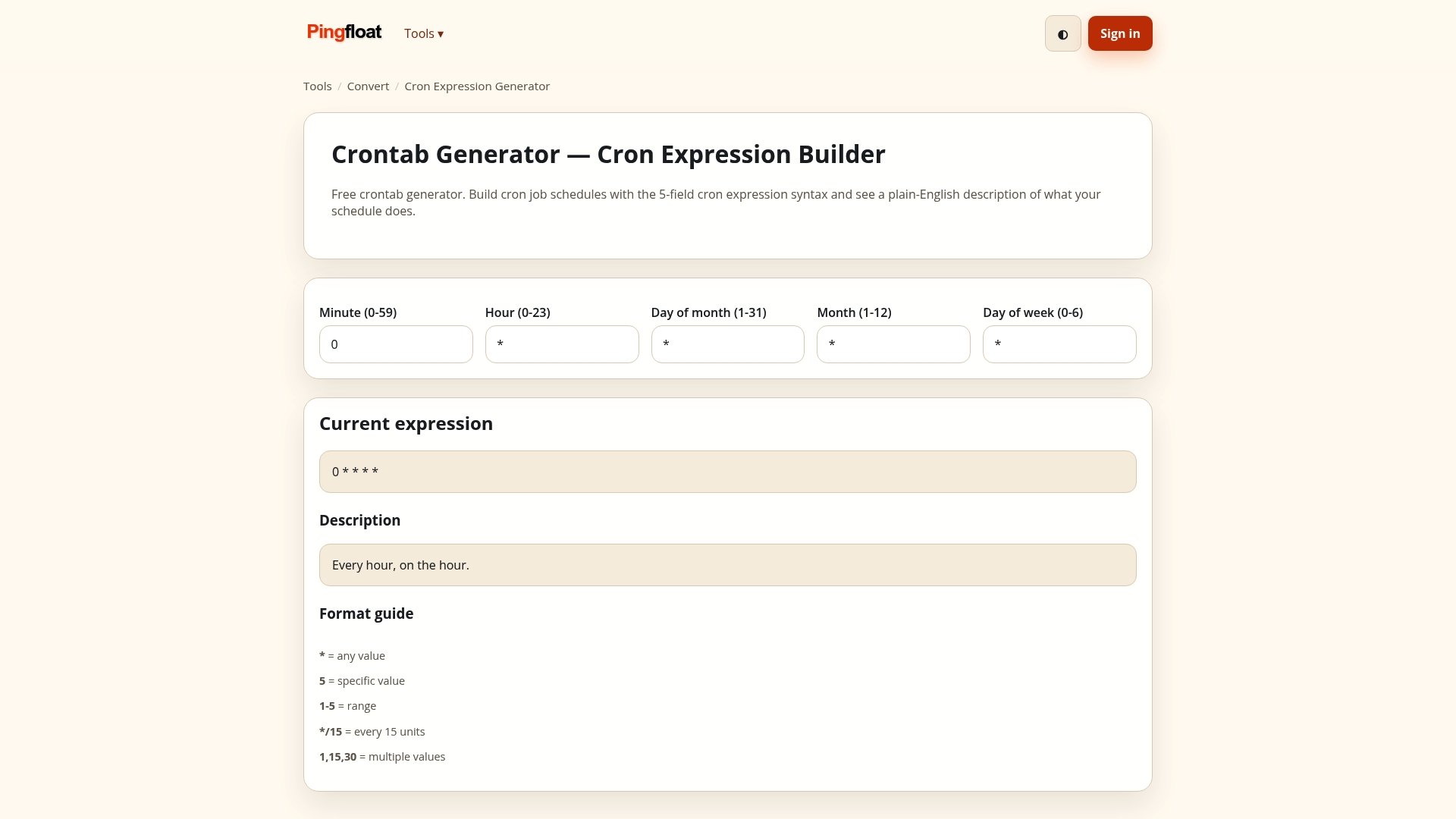
If you sign in tokens or share credentials with clients, our guides to JWT best practices and password-protected file sharing extend the same rules to those workflows.
Our view: write less policy, enforce more of it
Most password policies we read are long on rules a person has to remember and short on rules a system can enforce. Length, blocklists, lockout and MFA are enforceable in code. "Do not write it down" and "change it every 90 days" are not, and they push people toward patterns like Summer1, Summer2.
We build tools for developers and IT staff, so we think about the policy as a checklist you can test. Can the login form take a 64-character passphrase? Does the certificate on the sign-in page validate? Is the authentication endpoint up? Each of those questions maps to a tool you can run in a minute without installing anything.
Our advice: keep the policy to one page, put the numbers in it, and pair every line with a way to verify it. A random generator, a manager and MFA cover most of what a short policy needs.
Andreas
FAQ
What does a password policy include?
A solid policy covers how passwords are created, authenticated, stored and renewed, which are the four areas CNIL names. In practice that means minimum length, blocklist checks, MFA, lockout, handling rules and a clear trigger for forced changes.
How often should passwords be changed?
On a schedule, rarely or never: current NIST guidance prohibits periodic rotation except after a breach. Change a password when it appears in a breach, you see signs of unauthorized access, or an employee leaves. Regulated systems such as PCI DSS scope may keep their own rules, so check them.
Is a passphrase better than a password?
For anything you must type or remember, yes. Four or more randomly chosen words reach a strong length with less effort, and a six-word Diceware passphrase gives about 77 bits of entropy. For everything else, a long random password in a manager works equally well.
What is a reasonable minimum password length?
Twelve characters is a sensible floor for ordinary accounts, and 14 to 15 for privileged ones. NIST allows 8 but recommends 15, and your system should accept at least 64 characters.
Sources
- CNIL: Passwords, minimum security recommendations
- OWASP Authentication Cheat Sheet (GitHub)
- OWASP Authentication Cheat Sheet Series
- Security SA: SACSF Guideline 10, Password Management
- NIST password guidelines 2025: what changed
- CIS Password Policy Guide (2020)
- Privacy Guides: Introduction to Passwords
- ITU-T X.1283 (09/2024)
- Password Strength: What Length and Character Sets Buy You
- NIST password guidelines (optro.ai)
- Key Features of App Security: A Developer's Guide