
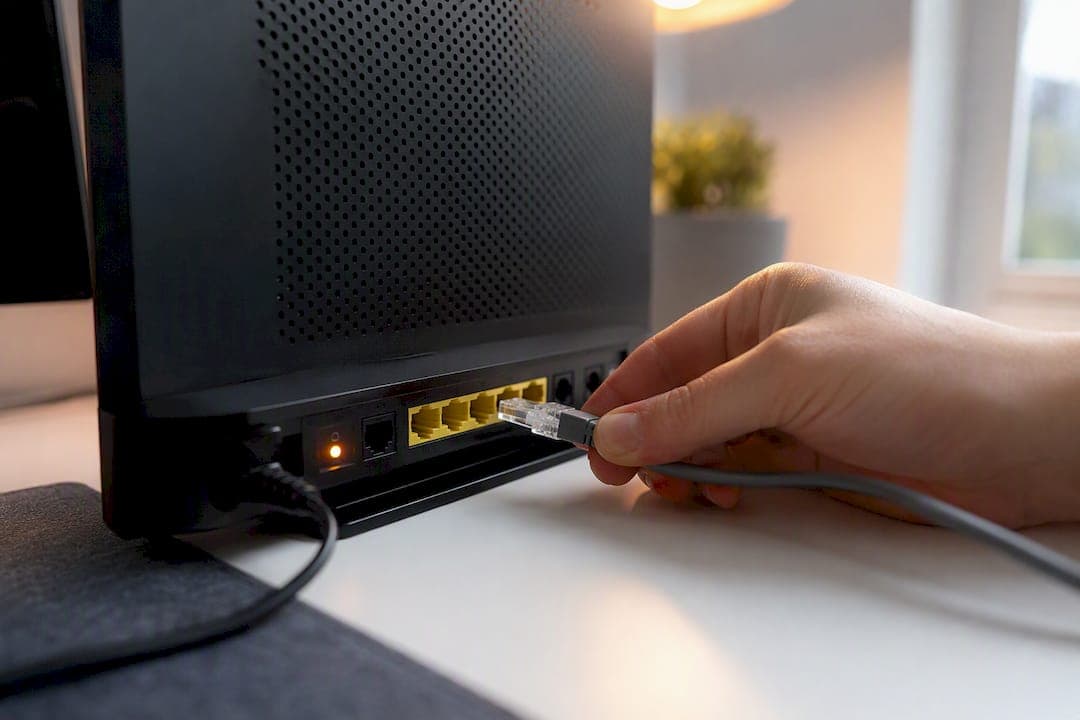
Your router has a public IP that the entire internet can see, and your laptop has a private IP that only your home network recognizes. That single split explains almost everything else in this guide: a public IP is internet-routable and assigned by your ISP, while a private IP comes from RFC 1918 and only works inside your own network. You need a public IP for hosting a server or setting up remote access. Everyday devices, phones, laptops, smart TVs, sit behind private addresses that Pingfloat's networking tools can help you identify in seconds.
- Public IP: unique, routable, assigned by your ISP, reachable from anywhere online.
- Private IP: reused across millions of networks, invisible outside your router, assigned locally.
Key Takeaways
Public IPs are globally unique and ISP-assigned for internet reachability, while private IPs from RFC 1918 ranges stay local and depend on NAT to reach anywhere else.
| Point | Details |
|---|---|
| Know your ranges | Private addresses fall in 10.x.x.x, 172.16 through 172.31, or 192.168.x.x under RFC 1918. |
| Check both addresses | Use device settings for your private IP and an external lookup tool for your public one. |
| Watch for CGNAT | Compare your router's WAN IP to an external lookup result to spot shared public addresses. |
| Get a static IP for hosting | Request one from your ISP if you plan to run a server or need reliable remote access. |
| Layer real security | Firewalls, closed ports, and updated firmware matter more than address type alone. |
Table of Contents
- Public vs Private IP Address Comparison: What Makes an IP "Public"
- What Is a Private IP Address, and Which Ranges Are Reserved?
- How Does NAT Let a Private IP Reach the Internet?
- How Can You Tell if Your IP Is Public or Private?
- What Does a Public IP Reveal, and What Doesn't It?
- Does IPv6 Change the Public vs Private IP Problem?
- Checking Your Connection With Pingfloat's Tools
- Put These Checks to Work
- The Part Most Guides Skip
- Sources
Public vs Private IP Address Comparison: What Makes an IP "Public"
A public IP address is the one your ISP hands your router so the internet can find it. It has to be globally unique, no two devices on the open internet can share the same public IP at the same time, which is part of why the world eventually ran short of available IPv4 addresses.
ISPs assign public IPs in one of two ways. A dynamic IP changes periodically, sometimes every time you reboot your modem, and it's the default for most home connections. A static IP stays fixed, and people request one specifically for hosting a website, running a mail server, or maintaining consistent remote access to a home office setup.
Here's the trust gap most people get wrong: a public IP can reveal your approximate city and your ISP through geolocation databases, but it cannot reveal your name or street address. Only your ISP holds that mapping, and pulling it typically requires a legal process like a subpoena.
- Static IPs may have additional costs depending on your ISP and plan.
- Dynamic IPs reset with your lease renewal, which is why remote-access setups sometimes break after a modem restart.
Pro Tip: If you're hosting anything long-term, don't wait for your connection to hiccup before you learn the hard way. Ask your ISP about a static IP up front.
What Is a Private IP Address, and Which Ranges Are Reserved?
Private IP addresses come from three blocks that RFC 1918 carved out specifically so they'd never touch the public internet. Any address inside these ranges is private by definition, no exceptions:
| Range | CIDR | Example Address |
|---|---|---|
| 10.x.x.x | 10.x.x.x | 10.x.x.x |
| 172.16 through 172.31 | 172.16 through 172.31 | 172.16 through 172.31 |
| 192.168.x.x | 192.168.x.x | 192.168.x.x |
Your router's DHCP server hands these addresses out automatically to every phone, laptop, and smart speaker that joins your Wi-Fi. That's also why your neighbor's router might assign 192.168.x.x to their laptop while yours assigns the exact same address to your printer. Neither network ever sees the other's private range, so there's no conflict.
- 192.168.x.x is the most common home router default.
- 10.x.x.x shows up more in larger office or enterprise networks because it offers far more usable addresses.
- 172.16 through 172.31 is less common but still standard on some corporate VPNs.
If you want a deeper primer on address structure before moving on, Pingfloat's what is an IP address reference walks through the basics from scratch.
How Does NAT Let a Private IP Reach the Internet?
Your laptop's private IP never actually travels across the internet. Instead, your router performs Network Address Translation (NAT), swapping your device's private source address for its own public IP before the request leaves your network, then routing the reply back to the correct device using port numbers. This address-and-port swap is technically called Port Address Translation (PAT), and it's how one public IP supports dozens of devices in the same house at once.
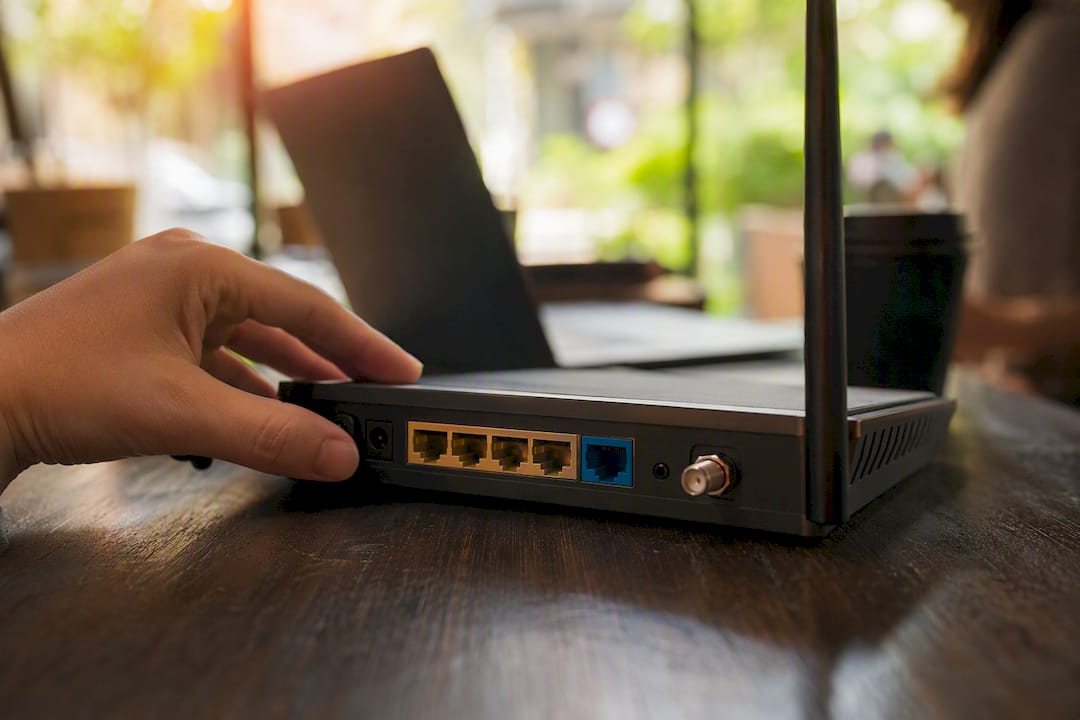
NAT exists mainly because IPv4 never had enough addresses for every device on Earth to get its own public one. As a side effect, NAT also acts as a rough inbound filter: unsolicited traffic from outside generally can't reach a device behind NAT unless a rule explicitly forwards it.
Here's where things get trickier for some users:
- Your ISP might place your entire neighborhood behind a single public IP, a setup called Carrier-Grade NAT (CGNAT).
- Under CGNAT, port forwarding often stops working entirely because you don't control the actual public-facing address.
- Some setups stack NAT twice, your router NATs to a second router, which NATs again to the ISP's public IP, known as double NAT, causing similar headaches for hosting or gaming.
Pro Tip: If port forwarding refuses to work no matter how carefully you configure it, CGNAT is usually the real culprit, not your router settings.
How Can You Tell if Your IP Is Public or Private?
Checking your own address takes under a minute once you know where to look.
- Windows: open Command Prompt and run
ipconfig. The "IPv4 Address" listed is your private IP. - macOS/Linux: run
ifconfigorip addrin Terminal to see the same local address. - Mobile: check Wi-Fi settings under the connected network's details for the assigned local IP.
That number only tells you your private, local-network IP. To see what the internet actually sees, use an external lookup tool like Pingfloat's What's My IP, which returns your public address along with ASN and rough geolocation data.
- If the address starts with 10, 172.16 through 172.31, or 192.168, it's private under RFC 1918.
- Anything outside those blocks that your external lookup returns is your public IP.
- A mismatch between the two confirms NAT is active, which is true for nearly every home network.
What Does a Public IP Reveal, and What Doesn't It?
A public IP gives away more than most people assume, and less than most people fear. Geolocation databases can usually pinpoint your general region and identify your ISP with decent accuracy. What they can't do is attach your name to that address; only your ISP holds that subscriber record, and releasing it typically requires a legal request.
Private IP addresses add a layer of isolation because routers on the open internet drop any packet addressed to an RFC 1918 range, which prevents outside devices from ever reaching your laptop directly. But isolation isn't the same thing as security. A private IP behind a poorly configured router with open ports and outdated firmware is still exposed to plenty of risk.
Real protection comes from layering a few habits together:
- Keep your router's firewall enabled and its firmware updated.
- Close any forwarded ports you're not actively using.
- Use a VPN when you want privacy from your ISP or from public Wi-Fi operators, since NAT alone hides you from strangers but not from your own network provider.
Does IPv6 Change the Public vs Private IP Problem?
IPv6 mostly sidesteps the scarcity that made NAT necessary in the first place. Its address space is so large that every device on the planet could get its own globally unique address without conflict.
IPv6 still reserves a private-style block, though. The fc00::/7 range functions as IPv6's equivalent of RFC 1918, called Unique Local Addresses (ULAs), for networks that want internal-only addressing.
- IPv6 reduces reliance on NAT, but firewalls and network segmentation remain just as necessary.
- Most home ISP connections today still run primarily on IPv4, with IPv6 layered alongside it.
- Pingfloat's lookup tools display both your IPv4 and IPv6 addresses side by side, which is worth checking since many people don't realize they have both active at once.
Checking Your Connection With Pingfloat's Tools
Pingfloat's What's My IP tool shows your public-facing address, ASN, and rough location, exactly what a remote server sees when your device connects to it. Pair that with Traceroute to trace the path your traffic takes and spot where translations happen along the route, and the networking reference library for a refresher on ranges and terminology.
Here's a quick CGNAT check: log into your router's admin page and note the WAN IP it lists. Then run Pingfloat's lookup tool from a device on that same network. If the two numbers don't match, your ISP is almost certainly using CGNAT.
- Compare router WAN IP against Pingfloat's external result to detect CGNAT.
- Use the Networking reference if a range or acronym doesn't look familiar.
Pro Tip: Bookmark your external lookup result before contacting your ISP about a static IP request; having the exact current address speeds up the conversation.
Put These Checks to Work
Before you close this tab, run the actual lookup instead of just reading about it. Pingfloat's suite gives you uptime monitoring, SSL checks, and IP diagnostics in one place, all free, no account required for the core tools. Head to Pingfloat and check your own public and private addresses in under a minute, then decide whether a static IP or a firewall tweak actually solves the problem you came here with.
The Part Most Guides Skip
Most explanations of public vs private IP addresses stop at the definitions and call it a day. That's backwards. The definitions are the easy part; RFC 1918 hasn't changed in decades, and NAT works the same way whether you're reading about it in 2026 or reread this in five years. What actually trips people up is the CGNAT layer, because it breaks the mental model everyone builds first: "my router has a public IP, so I can just forward a port." Increasingly, that's not true, and no amount of router fiddling fixes it if your ISP is the actual bottleneck.
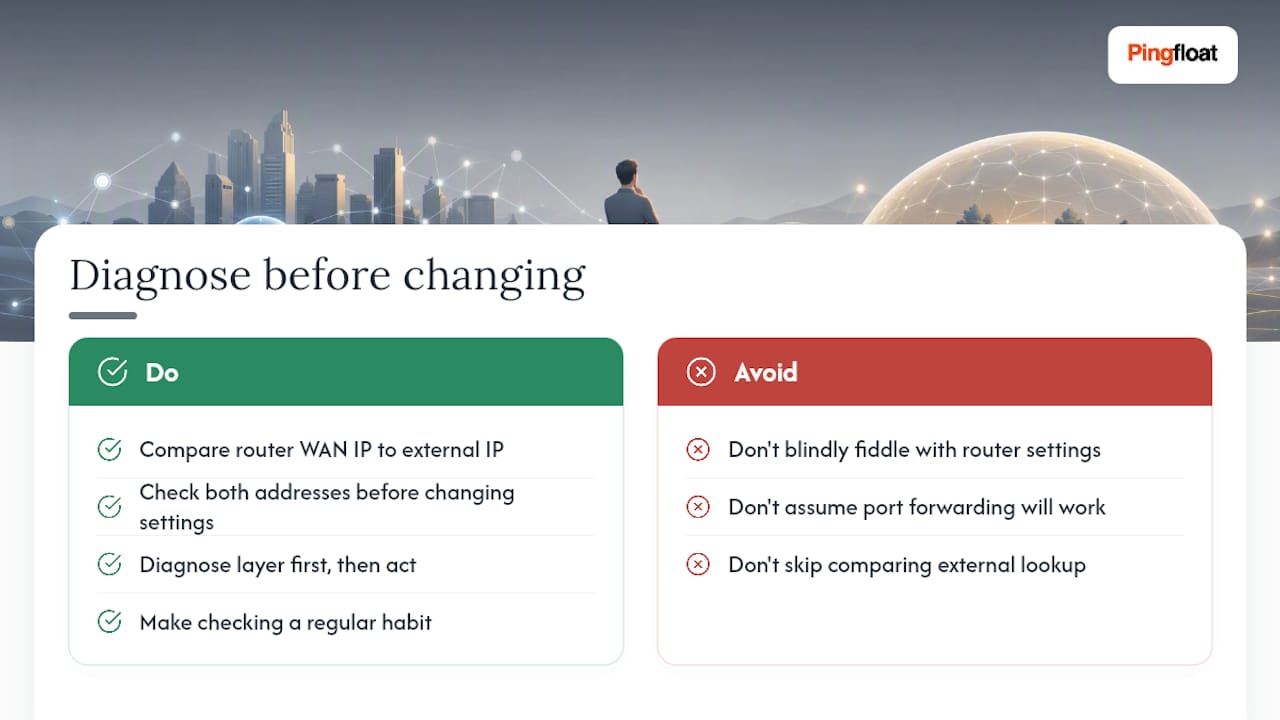
The advice to "just check your IP" also undersells how useful that single step is. Comparing your router's WAN IP against an external lookup takes thirty seconds and immediately tells you whether you're dealing with a router misconfiguration or an ISP-level restriction, two problems with completely different fixes. Skip that comparison and you'll spend hours troubleshooting the wrong layer.
If there's one habit worth building from this guide, it's checking both addresses before you touch a single setting. Diagnose first.
— Andreas
Sources
- Private RFC1918 IP address assignments at LBL
- Public IP vs Private IP: What's the difference? - Comparitech
- What Is a Public IP Address? – Lifewire