

A TLS cipher suite is the named bundle of algorithms a client and server agree on during the handshake to secure a connection. It covers how keys are exchanged, how data is encrypted and how each message is authenticated. For most servers the practical job is short: allow TLS 1.3, keep a small set of modern TLS 1.2 suites for older clients, remove everything weak, and verify the result from the outside.
This guide explains what is inside a suite name, what changed in TLS 1.3, which suites to keep, how to see what your server offers, and how to disable weak ones safely.
TL;DR
- A cipher suite names the algorithms for key exchange, bulk encryption and message authentication that protect a TLS session.
- TLS 1.3 has only five cipher suites, all built on AEAD encryption. TLS 1.2 has a long list, and that is where weak options hide.
- For TLS 1.2, prefer ECDHE key exchange with AEAD suites, and avoid CBC-mode suites unless encrypt-then-MAC is negotiated.
- Check your configuration from outside with OpenSSL or an SSL checker, before and after every change.
- Remove weak suites in small steps and confirm that your real clients still connect.
Table of Contents
- What a TLS cipher suite actually is
- TLS 1.3 vs TLS 1.2: what changed for cipher suites
- Which cipher suites to keep
- How to check which suites a connection uses
- How to disable weak ciphers safely
- Compatibility: what might break
- Our perspective
- Check your TLS setup with Pingfloat
- FAQ
- Sources
What a TLS cipher suite actually is
A cipher suite is a set of cryptographic algorithms that client and server select to secure a connection. It typically defines the key exchange, bulk encryption and message authentication methods used during the session. During the handshake the client sends the suites it supports, and the server picks one it also supports. Everything after that point is protected by that choice.
The name of a TLS 1.2 suite reads like a recipe. Take TLS_ECDHE_RSA_WITH_AES_128_GCM_SHA256:
| Part | Meaning | Role |
|---|---|---|
| ECDHE | Elliptic-curve Diffie-Hellman, ephemeral | Key exchange, gives forward secrecy |
| RSA | RSA certificate signature | Authenticates the server |
| AES_128_GCM | AES with a 128-bit key in Galois/Counter mode | Encrypts the data |
| SHA256 | SHA-256 hash | Used in the key derivation and, for non-AEAD modes, message authentication |
The three jobs matter because each can fail on its own. A strong cipher with a weak key exchange still leaves past traffic exposed. A strong key exchange with a broken cipher still leaks data. That is why suites are published as fixed combinations and not mixed freely by each administrator.
If you are studying this for an interview or a certification, a set of network security and TLS questions is a good way to test that you can read a suite name at a glance.
TLS 1.3 vs TLS 1.2: what changed for cipher suites
The biggest change is subtraction. RFC 9846, which specifies TLS 1.3, leaves only AEAD algorithms as the symmetric encryption options. Older designs that encrypted and authenticated in separate steps are gone.
TLS 1.3 also supports only five cipher suites, including TLS_AES_128_GCM_SHA256 and TLS_AES_256_GCM_SHA384. Compare that with the dozens of TLS 1.2 suites a default server may still advertise.
There is a second, subtler difference. TLS 1.3 suite names do not specify the certificate type or the key exchange. Those are negotiated separately. In practice this means two things when you configure a server:
- Your TLS 1.2 cipher list and your TLS 1.3 suite list are usually separate settings. Editing one does not change the other.
- A TLS 1.2 string such as
ECDHE+AESGCMtells you nothing about TLS 1.3 behavior.
| TLS 1.2 | TLS 1.3 | |
|---|---|---|
| Number of suites | Large list, many legacy | Five |
| Encryption modes | AEAD and CBC available | AEAD only |
| Suite name includes key exchange | Yes | No, negotiated separately |
| Configuration | One cipher list | Separate suite setting |
For a deeper walk through every protocol version, see our comparison of TLS 1.0, 1.1, 1.2 and 1.3.
Do you still need TLS 1.2?
Usually yes, for a while. RFC 9325 says implementations should support TLS 1.3 and, if they also support TLS 1.2, must prefer to negotiate 1.3 over earlier versions. That is the pattern to copy: offer both, and let modern clients land on 1.3 automatically.
In the United States, federal guidance points the same way. NIST SP 800-52 Rev. 2, published in August 2019, requires government TLS servers and clients to support TLS 1.2 with FIPS-based cipher suites, and TLS 1.3 by January 1, 2024. If you sell to agencies or contractors that follow it, TLS 1.3 support is not optional.
Which cipher suites to keep
The goal is not the longest list or the shortest. It is a list where every entry is one you would be comfortable defending.
For TLS 1.3
Leave the defaults. All five suites are AEAD, and the OWASP guidance is to use the standard AEAD suites for TLS 1.3. There is little to gain from trimming them unless a compliance rule tells you to.
For TLS 1.2
This is where your decisions matter. Use these criteria in order:
- Forward secrecy. Perfect Forward Secrecy protects recorded traffic even if the server key is later compromised, and ECDHE supports it. Keep ECDHE suites and drop static RSA key exchange.
- AEAD encryption. OWASP advises preferring AEAD suites for TLS 1.2 such as AES-GCM.
- No CBC without encrypt-then-MAC. RFC 9325 states that in TLS 1.2, CBC-mode suites should not be used unless the encrypt-then-mac extension is also successfully negotiated. Since you rarely control the client, the simple policy is to remove CBC.
- At least 128 bits of security. Red Hat's guidance notes that suites offering less than 128 bits of security have a short useful life and should not be used. That rules out export-grade, single DES and similar relics.
A sensible TLS 1.2 shortlist therefore looks like ECDHE with either RSA or ECDSA authentication, paired with AES-GCM, in 128-bit and 256-bit variants. Put your preferred order at the server, so the server's choice wins over a client that lists weak suites first.
How to check which suites a connection uses
You can look at this from two sides: what one connection negotiated, and what the server offers in total.

In the browser
In Chrome, open Developer tools, go to the Security panel and read the "Connection" line. It names the TLS version and the cipher in use for that page. This only shows one negotiated result, not the full list the server accepts.
With OpenSSL
s_client is the standard probe. The OpenSSL Cookbook shows how to use it to test cipher suite support on a server. A few patterns cover most needs:
# What does this server negotiate by default?
openssl s_client -connect example.com:443 -servername example.com

# Does it still accept TLS 1.2? TLS 1.3?
openssl s_client -connect example.com:443 -tls1_2
openssl s_client -connect example.com:443 -tls1_3

# Test one specific TLS 1.2 suite
openssl s_client -connect example.com:443 -tls1_2 -cipher ECDHE-RSA-AES128-GCM-SHA256
In the output, look for the Protocol and Cipher lines. If a suite you asked for is not offered, the handshake fails, and that failure is your answer. SANS also describes testing TLS 1.3 and its supported ciphers this way, suite by suite.
When a probe fails and you cannot tell why, our guide to five command line checks for SSL handshake failures walks through the usual causes, and a one-command OpenSSL chain check covers the certificate side.
With a web-based checker
Command-line probes need a terminal and some patience. For a quick outside view of your certificate and TLS setup, run the domain through our SSL Checker. It needs no installation or account, and it is a fast first step before you go deeper with OpenSSL.
How to disable weak ciphers safely
Disabling weak ciphers is a change to a production security setting, so treat it as a small release, not a quick edit.
- Record the baseline. Save the output of your probes for each protocol version. You need a before and after.
- Look at who connects. Check your access logs or load balancer metrics for the TLS versions and ciphers real clients use. Old API clients, embedded devices and legacy monitoring agents are the usual holdouts.
- Change one layer at a time. Remove CBC and non-forward-secret suites from TLS 1.2 first. Leave protocol versions alone until that change is stable.
- Keep TLS 1.3 enabled and preferred. Per RFC 9325, a server that supports both should prefer 1.3.
- Reload and re-probe. Run the same OpenSSL commands as in your baseline. The weak suite you removed should now fail the handshake, and the strong ones should succeed.
- Watch error rates. A rise in handshake failures after the change tells you a client depends on a suite you removed.
On Windows Server, you do not have to edit registry keys by hand. IIS Crypto lets administrators apply its Best Practices template with a single click and disable weak protocols and ciphers. Back up the current settings first, and reboot as the tool advises so the change actually takes effect.
On Linux with Apache, Nginx or HAProxy, the same logic applies: define an explicit TLS 1.2 cipher list, a separate TLS 1.3 suite setting, and server-side preference. Keep the configuration in version control so a rollback is one commit.
Verify, then keep verifying
A hardened configuration drifts. A package upgrade or a load balancer swap can reset it. Re-run your probes after each infrastructure change, and watch the certificate side too: a perfect cipher list does not help if the certificate has expired. Our practical guide to SSL certificate monitoring covers the expiry side of that routine.
Compatibility: what might break
Stricter settings can lock out clients that never updated. Think through these cases before you ship:
- Old operating systems and runtimes. Clients that only speak older protocol versions or only offer CBC suites will fail once those are gone.
- Embedded and IoT devices. Firmware often cannot be updated. If they must connect, put them behind a dedicated endpoint with its own policy, instead of weakening your main site.
- Compliance-driven peers. Government and regulated partners may require specific FIPS-approved suites. NIST SP 800-52 Rev. 2 explains how to configure TLS while making effective use of FIPS and NIST-recommended algorithms.
If a business-critical client truly cannot upgrade, scope the exception narrowly and write down who owns it and when it ends. A hardened server with one documented exception is much safer than a permissive server with none.
TLS settings are one layer. Once your ciphers are sorted, the web security checklist and the security headers checklist cover what to fix next.
Our perspective
Most cipher suite trouble we see is not about picking the perfect algorithm. It is about nobody checking what the server really offers after the last deploy.
That is why we build Pingfloat around quick outside-in checks. You paste a domain, you see the certificate and connection from a client's point of view, and you do it in seconds with no installation or account. When checking is that cheap, people check more often, and configuration drift gets caught early.
Our advice is simple. Offer TLS 1.3, keep a short list of forward-secret AEAD suites for TLS 1.2, remove the rest, and verify from outside after every change. Then watch the endpoint continuously, because a setting that was right in March can be wrong in November.
Andreas
Check your TLS setup with Pingfloat
Pingfloat is a free suite of web tools for developers and IT professionals. The SSL Checker gives you an outside view of your certificate, and the Website Uptime Monitor keeps watching the site after you have hardened it, so a broken handshake or an outage does not go unnoticed. Core tools work without an account, and an optional sign-up adds extras such as scheduled uptime monitoring and saved results.
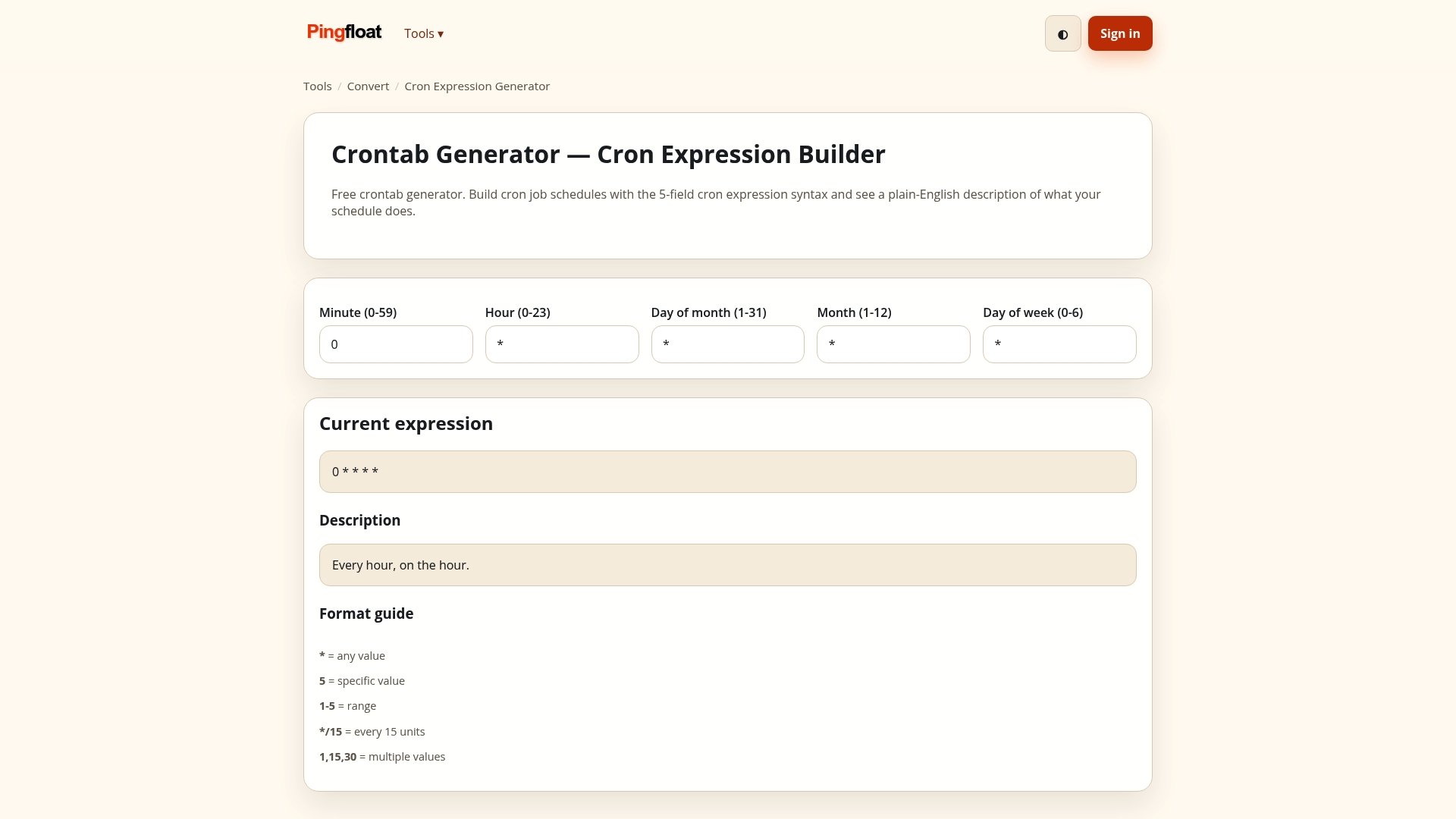
If you want to automate checks in your own scripts, the Pingfloat Public API is there for that, and the full tool list includes traceroute, header inspection and more for troubleshooting network problems.
FAQ
What is the difference between a cipher and a cipher suite?
A cipher is a single algorithm, such as AES-GCM, that encrypts data. A cipher suite is the full combination negotiated in the handshake: key exchange, authentication, bulk encryption and message authentication. In TLS 1.3, the suite name covers only the encryption and hash, while key exchange and certificate type are negotiated separately.
Does TLS 1.3 support more cipher suites than TLS 1.2?
No. TLS 1.3 supports only five suites, all based on AEAD encryption, while TLS 1.2 has a far larger list that includes legacy options. The smaller set is deliberate: fewer choices means fewer weak combinations to misconfigure.
Which weak ciphers should I disable first?
Start with anything under 128 bits of security, then CBC-mode suites in TLS 1.2, and then suites without forward secrecy. The RFC 9325 guidance on CBC and the Red Hat note on 128-bit minimums give you a defensible basis. Probe before and after, and check that your real clients still connect.
How do I check which TLS 1.3 ciphers my server supports?
Run openssl s_client -connect yourdomain.com:443 -tls1_3 and read the Cipher line in the output. To test a specific TLS 1.3 suite, use the -ciphersuites option in OpenSSL. You can also run the domain through an online SSL checker for a quick outside view.
Should I turn off TLS 1.2 completely?
Not necessarily. Standards say to prefer TLS 1.3 when both are available, and NIST guidance for US government systems calls for TLS 1.2 support alongside 1.3. Keep 1.2 with a tight list of ECDHE and AEAD suites unless your client logs show nobody needs it.
Sources
- Cipher suite (Wikipedia)
- RFC 9846: The Transport Layer Security (TLS) Protocol Version 1.3
- Testing TLSv1.3 and supported ciphers (SANS ISC)
- Using TLS1.3 with OpenSSL (OpenSSL Library)
- RFC 9325: Recommendations for Secure Use of TLS and DTLS
- NIST SP 800-52 Rev. 2
- Planning and implementing TLS (Red Hat Enterprise Linux 9)
- OWASP Transport Layer Security Cheat Sheet
- OpenSSL Cookbook: Testing Cipher Suite Support
- IIS Crypto (Nartac Software)