

A website is healthy when it is reachable, secure, fast, usable on a phone, free of broken paths and doing its job, whether that job is a contact form, a checkout or a docs page. This checklist covers those six areas in the order that failures hurt most, tells you which checks can be automated, and gives you a schedule you can keep. It also works as a website maintenance checklist: each section ends with how often to repeat the task.
- ✓Monitor website uptime
- ✓Check SSL certificates
- ✓Run network diagnostics
TL;DR
- Check availability and SSL first. If the site is down or the certificate has expired, nothing else matters.
- Measure speed with real-user data where you can, and judge Core Web Vitals at the 75th percentile.
- Test the things users touch: forms, file downloads, checkout steps, login, on phone-sized screens.
- Automate the daily checks (uptime, certificate expiry) and keep a human review for the monthly and quarterly ones.
- Fix in this order: outages, security, broken core functions, performance, then polish.
Table of Contents
- How to check the health of a website in 15 minutes
- Availability and uptime
- SSL certificates and security basics
- Performance and Core Web Vitals
- Mobile usability and accessibility
- Links, redirects and error pages
- Search visibility basics
- Forms, file transfers and data
- A schedule you can keep
- What to fix first
- Our perspective
- Run the checks with Pingfloat
- Keeping the checklist alive
- FAQ
- Sources
How to check the health of a website in 15 minutes
Before the deep audit, do a quick pass. It catches most emergencies.
- Load the homepage and two other page types (for example a product page and a blog post) in a private window. Look for errors, missing images and layout breaks.
- Check that the site is up from outside your network. Your own browser cache and VPN can hide problems. Use an external monitor such as our Website Uptime Monitor.
- Check the certificate. Run the domain through the SSL Checker and note the expiry date and whether the chain is complete.
- Submit your main form and confirm the message arrives in the right inbox.
- Open the site on a phone. Tap the menu, a button and a form field.
- Scan for obvious errors: pages returning 404 or 500, redirects that loop, mixed-content warnings.
If all six pass, you have no emergency. The sections below make the review thorough and repeatable.
Availability and uptime
Uptime is the first line on any website health checklist because users and search crawlers both fail when the server does not answer.
What to check
- Does the homepage return a 200 status from several locations?
- Do key pages (login, checkout, API endpoint) respond, not just the homepage?
- How long do responses take, and is that stable over the day?
- Does DNS resolve correctly, and is the right IP returned?
A monitor that only pings the homepage can miss a broken checkout. Point separate checks at the URLs that matter, and make sure the alert reaches a person who can act. Our guide to downtime alerting setup covers thresholds, routing and testing, and the walkthrough on website uptime monitoring shows a setup you can finish quickly.
When a page returns a server error, start with the status code. Our reference on the 500 Internal Server Error lists common causes and fixes.
When the site is up for some users but not others, the problem is often on the network path. A traceroute shows where packets stop or slow down, which tells you whether to call your host, your DNS provider or your CDN.
How often: continuously, with alerts. Review the uptime report monthly.
SSL certificates and security basics
Security checks are quick to run and costly to skip.
Certificate checklist
- The certificate is valid and not close to expiry.
- It covers every hostname you serve, including
wwwand any subdomains. - The full chain is installed, so older clients do not show warnings.
- HTTP redirects to HTTPS with a single permanent redirect.
- No page loads images, scripts or styles over plain HTTP.
Renewals are the usual culprit. An automated renewal job can fail silently after a server move or a DNS change, and the first sign is a browser warning page. Check expiry dates regularly and set a reminder well before the date. The SSL Checker shows the issuer, validity period and chain in one result.
If you move a page, use a permanent redirect. Our explainer on the 301 Moved Permanently status covers how it works and when to use it.
Beyond the certificate
- Inspect HTTP response headers to confirm your security headers are present and sensible.
- Update the CMS, plugins, themes and libraries. Outdated software is a common way in.
- Remove accounts and admin users that no longer need access, and use unique passwords with two-step sign-in for admins.
- Check for unexpected files, injected scripts or unfamiliar redirects.
- Verify that backups run and that you can restore one. A sound pattern is three copies, on two types of media, with one stored off-site.
For a deeper list, see the web security checklist we use.
How often: certificate expiry and malware signs daily or automatically; updates weekly; user and access review quarterly; restore test at least quarterly.
Performance and Core Web Vitals
Slow pages lose visitors and weaken search visibility. Google's Core Web Vitals give you three measurable targets. According to web.dev's explanation of how the thresholds were defined, a page is judged good when Largest Contentful Paint is at most 2.5 seconds, Interaction to Next Paint at most 200 milliseconds and Cumulative Layout Shift at most 0.1, measured at the 75th percentile of page views.
That 75th-percentile rule matters. It means a quarter of your visits can be worse than the threshold and you still pass, so one fast test run on your office connection tells you very little.
What to check
- Field data first. Real-user monitoring gives a truer picture of user experience than a lab test, because it reflects real devices and networks.
- Lab tests second, to diagnose why a page is slow and to test a fix before release.
- The slowest page types, not only the homepage: category pages, search results, long articles.
- Image sizes and formats, render-blocking scripts, third-party tags and caching headers.
- Server response time. If the first byte is slow, front-end tuning will not fix it.
If your images are the weight problem, an image converter helps you move to lighter formats before you upload.
How often: a quick speed check weekly, a full performance audit monthly, and a test on every significant release.
Mobile usability and accessibility
Most teams check on a desktop monitor and ship. Walk through the site on a real phone instead.
Mobile checks
- Text is readable without zooming and nothing scrolls sideways.
- Buttons and links are large enough to tap and are not crowded together.
- The navigation opens, closes and reaches every key section.
- Forms use the right keyboard types and are easy to complete.
- Pop-ups and banners do not cover the content you came for.
Accessibility checks
- Text has enough contrast against its background.
- Images that carry meaning have descriptive alt text; decorative ones have empty alt text.
- Every form field has a label.
- You can reach and use every control with the keyboard alone, and the focus outline is visible.
- Headings follow a logical order.
Automated tools find some of these issues, but not all. Keyboard-only navigation and a screen reader pass need a person.
How often: a mobile pass monthly and after any design change; a deeper accessibility review quarterly.

Links, redirects and error pages
Broken paths waste crawl budget, frustrate users and often point to deeper problems.
- Crawl internal links and fix any that return 404 or 5xx.
- Check outbound links to partners, docs and sources; replace those that have died.
- Find redirect chains (A to B to C) and point the first URL straight to the last.
- Confirm old URLs from migrations still redirect to the right new pages.
- Make sure the 404 page helps: a search box, a link home and your main sections.
- Keep your sitemap current and make sure it lists only live, indexable URLs.
When you rewrite many URLs, a redirect rule generator saves you from hand-writing server config and the typos that come with it.
How often: weekly for new broken links on busy sites, monthly for a full crawl.
Search visibility basics
A site can be technically sound and still hard to find if the metadata is broken. The checks are small:
- Each page has a unique title and meta description of sensible length.
- Canonical tags point to the right version of each page.
- Pages you want indexed are not blocked by robots rules or a stray
noindex. - Open Graph tags produce the right preview when a link is shared.
- Structured data is valid and matches what is on the page.
The Meta Tag Checker can be run from an AI assistant, and our post on fixing meta tags for CTR and indexing explains what to correct first. For markup, run two structured data tests first before you publish a template change.
If you want a worked example of a monthly technical review focused on your most important pages, this technical SEO audit approach for key pages shows how to limit the scope so the audit actually gets finished.
How often: monthly, plus after every template or CMS change.
Forms, file transfers and data
This is the area most checklists skip, and it is where a site quietly stops earning.
Forms
- Submit every form from a clean browser and confirm the email or CRM record arrives.
- Check spam filters are not swallowing legitimate messages.
- Test with errors: empty required fields, a bad email address, a long message.
- Confirm the thank-you page or confirmation message appears and tracks correctly.
File transfers and downloads
- Download each linked PDF, price list or asset and confirm it opens.
- If you share large files with clients or prospects, use a transfer method with expiry and access controls rather than an open link. Our file sharing tool is built for secure transfer and can capture leads when someone downloads.
- Know your server's upload limits. Hosts commonly cap request or file size, and a user hitting that cap sees a failure with no explanation.
JSON and API responses
- Validate payloads against a schema so malformed data is rejected at the boundary. We show how in catching schema bugs with JSON Schema.
- Pretty-print and inspect responses with a JSON formatter when debugging.
- Decode tokens with a JWT decoder to confirm claims and expiry while troubleshooting login problems.
How often: forms weekly (or automatically after any deploy), file links monthly, API checks on every release.
A schedule you can keep
A checklist only works if it has a rhythm. This table is a starting point; scale it to the size and risk of your site.
| Frequency | Tasks | Automate? |
|---|---|---|
| Continuous / daily | Uptime, response time, certificate expiry, backup success | Yes |
| Weekly | Updates, form test, new broken links, quick speed check | Mostly |
| Monthly | Full link crawl, performance audit, mobile pass, meta and structured data review, uptime report | Partly |
| Quarterly | Accessibility review, access and user cleanup, restore test, content refresh, load test | No, needs a person |
Automation suits the daily work. Humans are needed for the deep audits, because trends and context are hard to read from an alert.
What to fix first
A long audit produces a long list. Do not work it top to bottom. Sort by impact.
- Outages and errors on core pages. If users cannot load, log in or pay, stop everything else.
- Security problems. Expired or misconfigured certificates, signs of compromise, exposed admin access.
- Broken core functions. Forms that do not deliver, downloads that fail, redirects that loop.
- Performance on high-traffic pages. Fix the slowest page that gets the most visits before the slowest page nobody sees.
- Mobile and accessibility defects. Start with anything that blocks a task.
- Metadata and polish. Titles, descriptions, previews, content updates.
For each finding, record the evidence (a screenshot or a URL), a priority, an owner and a due date. Then re-test once the fix is live and write down the result. A fix you have not re-tested is only a guess.
To narrow down a cause, change one thing at a time. If a page is slow, check the server response first, then the network path, then the page weight. If it returns an error, read the status code and the server log before touching the code.
Our perspective
Most website problems are not mysterious. They are ordinary things nobody was watching: a certificate that expired on a weekend, a form that stopped sending mail after a migration, a redirect that broke after a redesign.
That is why we build our tools to be fast to reach and simple to run. Our core tools need no installation or account, so you can check uptime, a certificate, a route or a JSON payload in the middle of an incident without setting anything up. When you want the checks to run on their own, you can sign up for scheduled monitoring and keep your results.
Our advice is to automate what is mechanical and spend human time on judgment. Let a monitor watch availability and expiry dates every day, and keep your own attention for the monthly review and the quarterly deep dive. A checklist that takes fifteen minutes gets done. One that takes a day gets skipped.
Andreas
Run the checks with Pingfloat
Pingfloat is a free suite of web tools for developers and IT professionals. For this checklist, the most useful ones are the Website Uptime Monitor for availability, the SSL Checker for certificate validity and expiry, and the traceroute tool for network problems. Core tools work without an account, and an optional sign-up adds scheduled uptime monitoring and saved results.
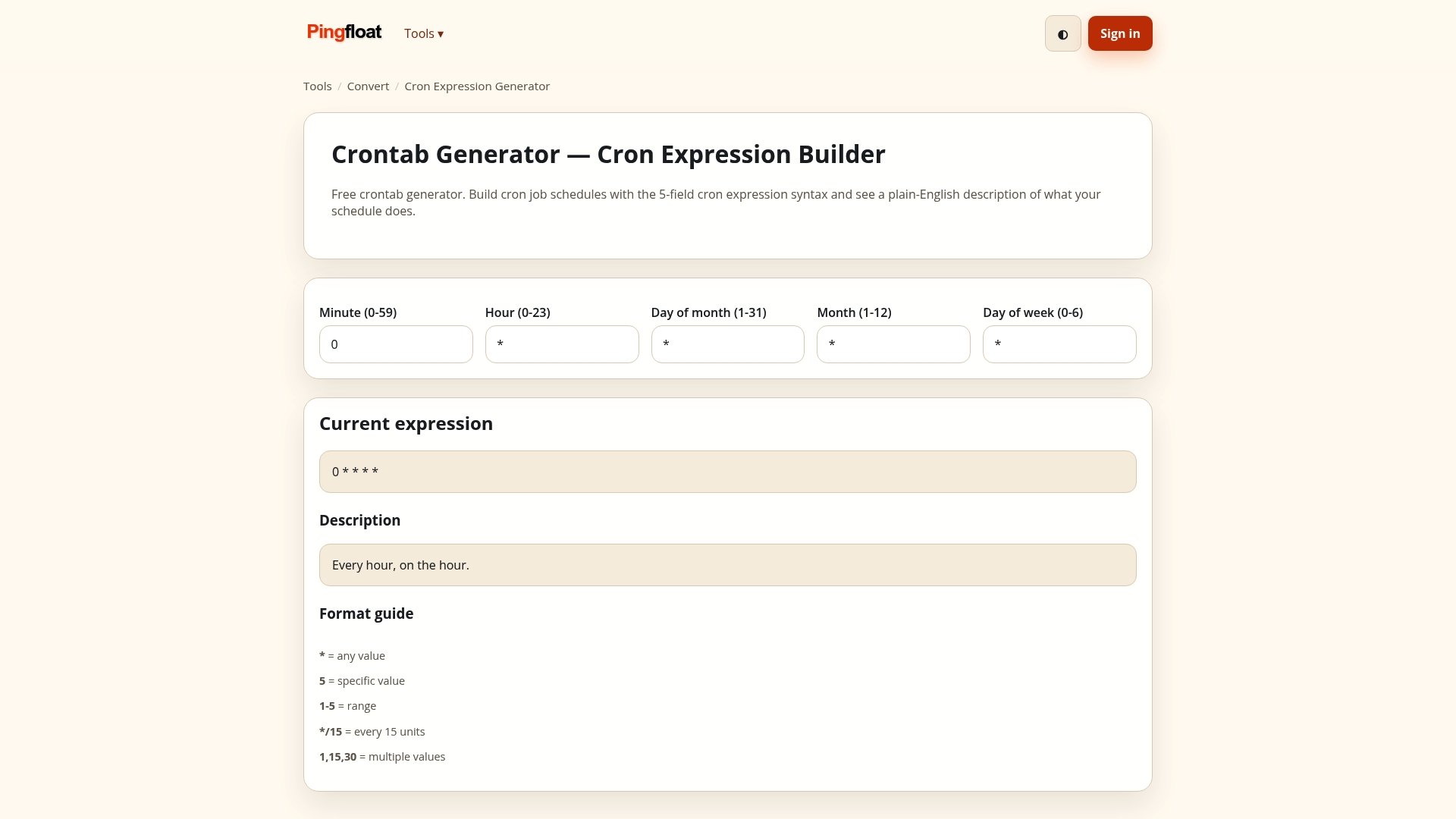
The same suite includes a JSON formatter, a JWT decoder, HTML and CSS validators, and meta tag, Open Graph and schema checkers, so most of the checklist can be run from one place. Browse them all on pingfloat.com, or use the Pingfloat Public API to wire checks into your own workflow.
Keeping the checklist alive
A one-off audit decays within weeks. To make the checklist stick:
- Name an owner for each recurring task, not a team.
- Define the scope up front: which site, which page types, which devices, what success looks like.
- Put automated checks in your release pipeline, such as accessibility tests and a Lighthouse performance run, so regressions are caught before users see them.
- Route alerts to the right people and deduplicate them. If every small blip pages the whole team, they will start ignoring all of them.
- Keep a change log of what you found and fixed. Trends across months show you where the site is fragile.
- Review the checklist itself twice a year. Add a check whenever an incident exposes a gap.
FAQ
How do I check the health of a website for free?
Start with an external uptime check, an SSL certificate check and a manual test of your main form on a phone. Free tools cover most of this. Then add a speed test and a link crawl, and repeat monthly.
How often should I run a website maintenance checklist?
Watch uptime and certificate expiry continuously, run updates, form tests and speed checks weekly, and do a full audit monthly. Review accessibility, user access and backup restores quarterly. High-traffic or transactional sites should check more often.
What are the most important things on a website health checklist?
Availability, a valid HTTPS certificate, working forms and core functions, and acceptable speed on mobile. These are the failures users notice immediately. Metadata, content freshness and accessibility polish come next.
How do I know if my website is slow for real users?
Look at real-user (field) data rather than a single lab test, and judge it at the 75th percentile. Core Web Vitals targets are 2.5 seconds for Largest Contentful Paint, 200 milliseconds for Interaction to Next Paint and 0.1 for Cumulative Layout Shift.
Can I automate a website health check?
Yes, for the mechanical parts: uptime, response time, certificate expiry, backups and regression tests in your deploy pipeline. Keep manual time for accessibility reviews, content checks and trend analysis.
Sources
- How the Core Web Vitals metrics thresholds were defined (web.dev)
- Web Vitals (web.dev)
- Technical SEO audit for a site's top pages (PHENYX)